Blackmagic PYXIS 6K — Approved Media & Card Guidelines You Need to Know
Why Choosing the Right Media Matters
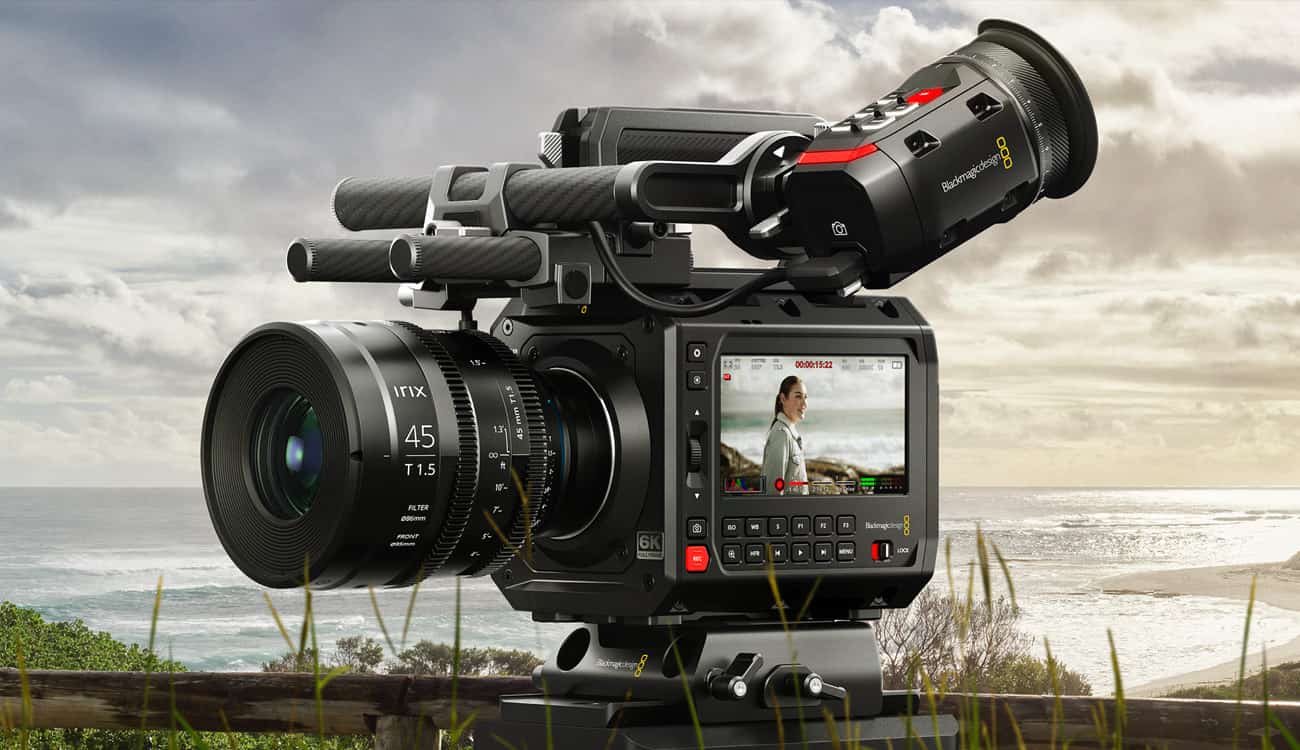
The Blackmagic PYXIS 6K is a high data-rate cinema box camera. To fully leverage its sensor, flexibility, and Blackmagic RAW workflows, your media choice isn’t optional — it can make or break reliability on set. Use a sub-par card and expect dropped frames, write errors, or the camera automatically limiting bitrate to keep things safe.
Just like the PYXIS 12K announced list of recommended CFexpress cards, the 6K also demands media that keeps up under load.
Key Media Requirements & Specs
- Sustained Write Speed: The PYXIS 6K records high-resolution RAW and often at high frame rates, so the media must maintain a sustained write speed sufficient for your target codec and FPS (e.g. BRAW 6K, 4K, windowed modes).
- Endurance & Heat Handling: Long high-throughput sessions stress cards. Choose cards rated for high endurance (M-series, PRO, or professional-class) with proper thermal design.
- Interface Compatibility: The PYXIS 6K supports CFexpress Type B and also USB-C external recording. Ensure your card is Type B, or that your external recorder is supported.
- Media Testing & Certification: Blackmagic may publish an official approved media list (as with the PYXIS 12K). Those cards should be first picks for reliability.
- Buffering & Overprovisioning: Some cards handle burst writes better with extra overprovisioning. Pro-grade cards are designed for this.
Example Recommended Cards (Based on PYXIS 12K & High-End Media Lists)
Because Blackmagic has already released a recommended CFexpress card list for the PYXIS 12K, many of those top-performing cards are safe bets for the 6K as well. Even though the 12K list is more extreme, a card that can sustain 12K recording is more than capable for most 6K/4K work with headroom.
Angelbird AV PRO SE CFexpress Type B
Angelbird AV PRO SE CFexpress Type B is widely used for high-resolution cinema cameras like the PYXIS 6K. It delivers sustained write performance and reliability tested in demanding RAW workflows.
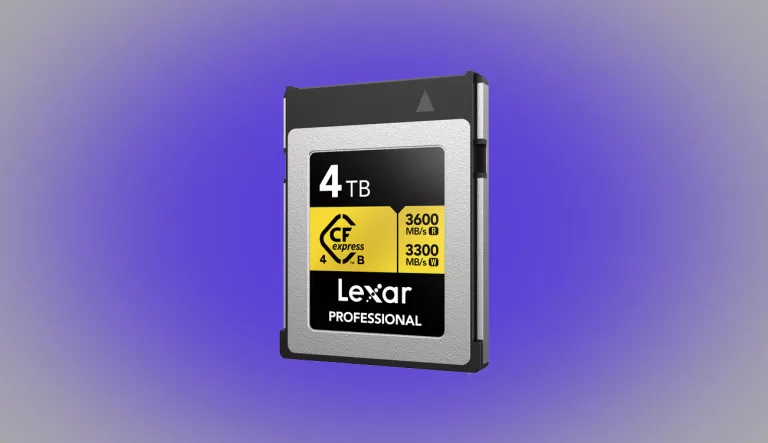
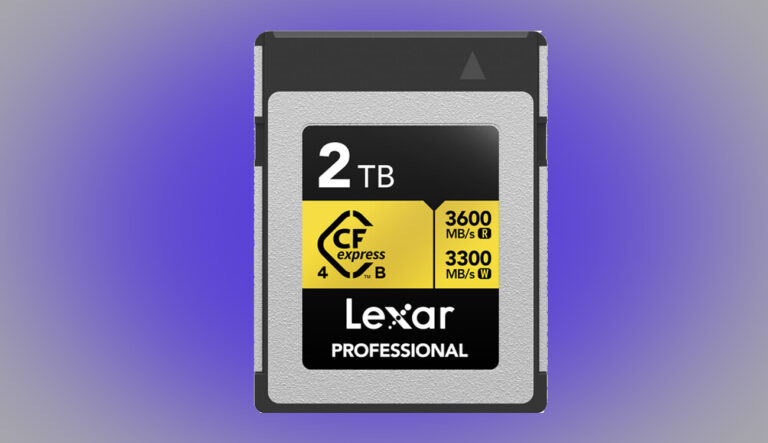
Lexar Professional GOLD CFexpress Type B
Lexar Professional GOLD CFexpress Type B is widely used for high-resolution cinema cameras like the PYXIS 6K. It delivers sustained write performance and reliability tested in demanding RAW workflows.
ProGrade Digital CFexpress 2.0 Gold (Type B)
ProGrade Digital CFexpress 2.0 Gold (Type B) is widely used for high-resolution cinema cameras like the PYXIS 6K. It delivers sustained write performance and reliability tested in demanding RAW workflows.
SanDisk Extreme PRO CFexpress Type B
SanDisk Extreme PRO CFexpress Type B is widely used for high-resolution cinema cameras like the PYXIS 6K. It delivers sustained write performance and reliability tested in demanding RAW workflows.
Workflow Tips & Best Practices
- Test Before Shooting: Run a full-length test at your highest codec and frame rate before production.
- Format Regularly: Once you offload, reformat with the PYXIS’s built-in format tool to keep card performance consistent.
- Use Dual-Slot Redundancy: Leverage both CFexpress slots in parallel or redundant modes when possible.
- External Backup: Use USB-C to offload to SSDs mid-shoot if your sessions outpace card capacity.
- Monitor Error Logs: Blackmagic cameras log write errors and dropped frames — review logs after tests.
What Media Should You Avoid?
- Consumer SD / UHS-II cards — too slow for the bandwidth demands of 6K RAW.
- No-name or generic CFexpress cards with inflated specs but poor sustained performance.
- Any card untested in long-duration, high-bandwidth recording environments.
Final Thoughts
Choosing the right media for the Blackmagic PYXIS 6K is one of the most important decisions you’ll make. Pick a card that’s not only fast, but reliable and durable. Use recommended lists like the PYXIS 12K’s as a foundation, and validate them in your workflow. By sticking with trusted options from Angelbird, Lexar, ProGrade, and SanDisk, you’ll get consistent results on set without compromise.