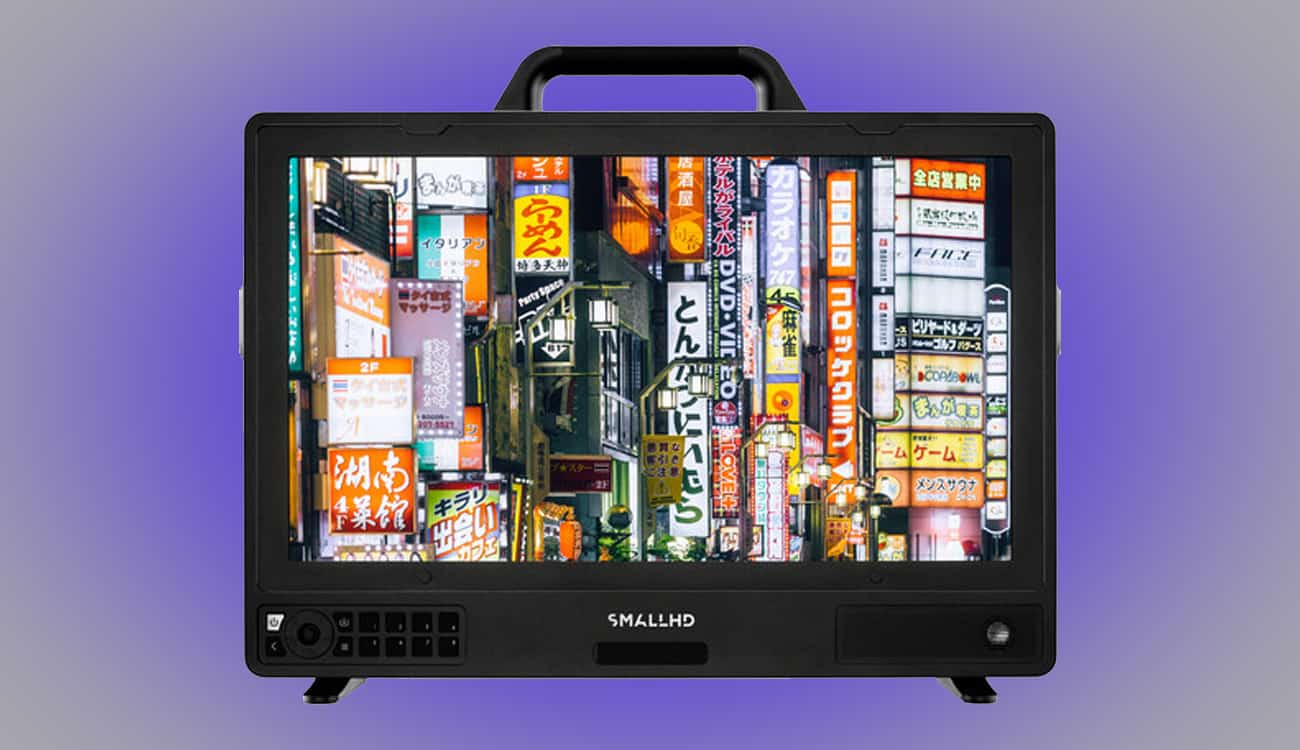
SmallHD Cine 18″ Review: 18″ 4K High‑Bright Pro Reference for Set & Studio
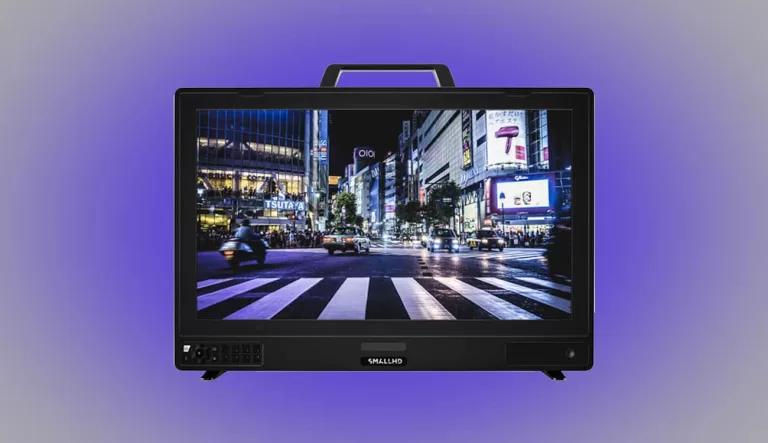
18″ 4K High‑Bright Pro brings SmallHD’s production‑ready PageOS toolset to a robust, on‑set reference monitor designed for DIT carts, video village, and color‑critical studio work. This guide focuses on real‑world workflows, layout presets, and smart rigging—not just a spec sheet.
Overview & Key Highlights
- Who it’s for: DPs, DITs, color‑sensitive directors, and crews building reliable villages for commercials, features, and live multicam.
- Why it matters: True 4K panel, daylight‑capable high‑bright, and a deep toolbox (Scopes, LUTs, False Color) inside PageOS for fast decisions.
- Where it fits: The 18″ size balances portability with client‑friendly viewing space and multi‑input layouts.
Operator‑Focused Highlights
- 4K monitoring pipeline with pro connectivity for modern cine cameras and switchers.
- High‑brightness panel for controlled daylight exteriors and bright studios.
- PageOS tools: waveform, vectorscope, parade, false color (customizable), focus peaking, pixel zoom, frame lines, safe areas, anamorphic de‑squeeze, overlays, and multi‑view.
- LUT workflows: load user LUTs, apply per‑input, and export looks to post.
- Robust build with multiple mounting points and cart‑friendly power options.
Why It’s Great on Set
- Faster lighting decisions: Reliable scopes and consistent brightness mean fewer “is it the monitor?” debates.
- Client‑friendly: The 18″ footprint is comfortable for directors/agency watching critical takes.
- Repeatable UI: PageOS presets keep your layouts consistent across shows and rentals.
Best Practices & Layout Presets
- DIT: Quad‑view with parade scopes + false color on A‑cam, waveform on B‑cam.
- Commercial village: Full‑screen A‑cam with LUT applied, quick toggle to clean log feed for checks.
- Live multicam: Multi‑view with tally overlays and safe‑area markers for multiple aspect ratios.
Rigging & Power
- Cart mount via 100×100/200×100 VESA or yoke; add a low‑profile sun hood for exterior use.
- Keep cables strain‑relieved; if converting between formats, mount your converters at the rear plate.
- Label inputs with laminated tags and bake your LUTs to a clearly named SD card.
Color & HDR Notes
Use consistent LUTs across camera monitors and the village. For HDR‑style monitoring, align your show LUTs with project deliverables and ensure your viewing environment (hoods, flags) supports consistent perception.
Alternatives & When to Downsize
- On‑camera 7–13″ if you’re flying gimbal/Steadicam or need operator‑first mobility.
- 27–32″ grading displays if the priority is suite‑based finishing over on‑set ruggedness.
Buy Now
FAQ
Does it support LUTs and advanced scopes?
Yes—PageOS includes multi‑tool overlays, custom false color, and LUT handling.
Is it bright enough outdoors?
It’s designed as a high‑bright; pairing with a hood/flagging yields best results in direct sun.
What about color accuracy?
Use calibrated workflows. Load show LUTs, verify with scopes, and keep viewing conditions controlled.